
Yes, you can use Facebook instant lead form ads to get booked calls
 Written by Benjamin Boman · · 2 min read
Most people are familiar with the vanilla techniques of getting bookings via lead generation ads on Meta.
They look like this:
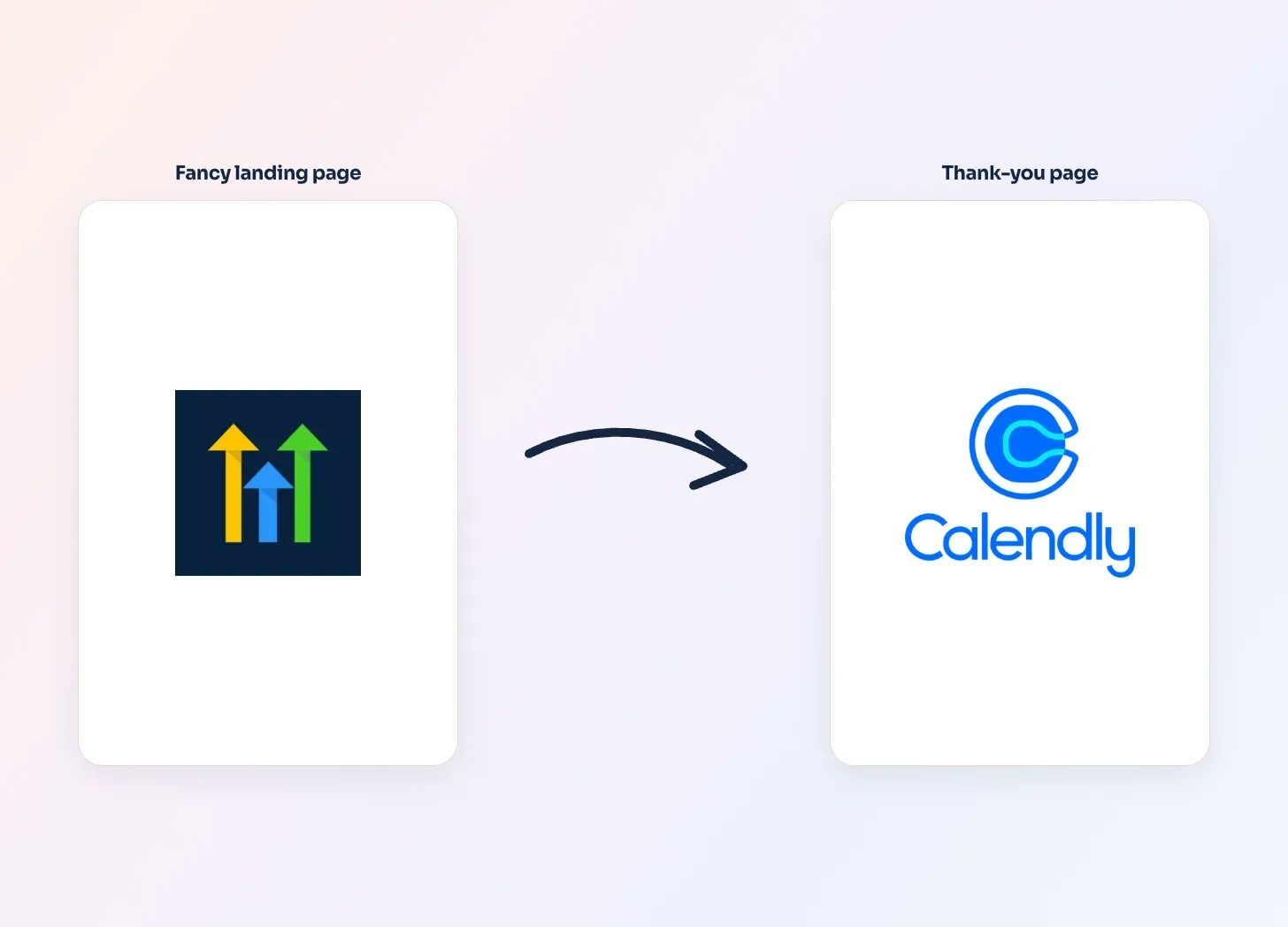
- Campaigns are optimized for on-page conversions
- The landing page offers a lead magnet, webinar invite or even just a plain video sales letter (VSL)
- After opting in, the user is directed to the thank you page with a calendar (+ pitch to book)
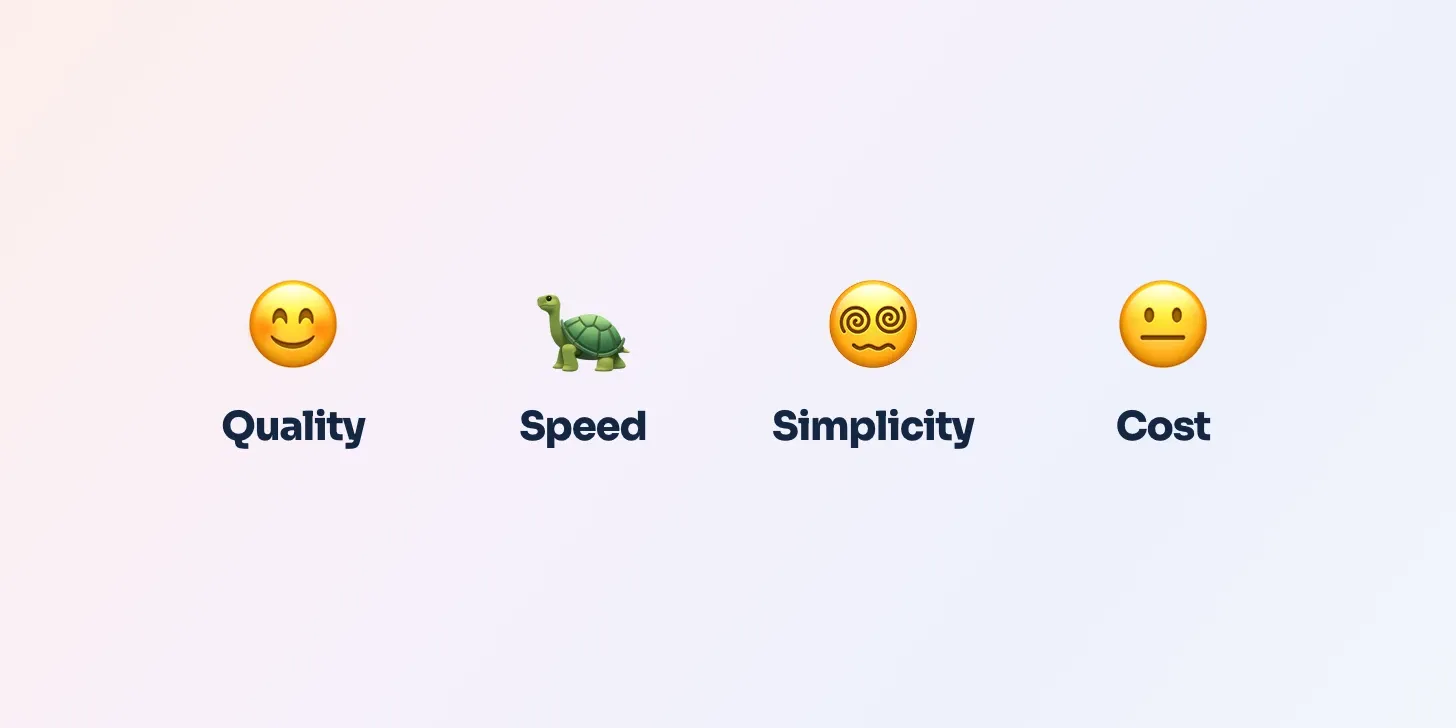
You can get good quality leads,
but there are some problems with this:
- Takes a long time to set up
- So many moving parts makes it more complicated to improve
- Hard to get conversion momentum without bigger budgets
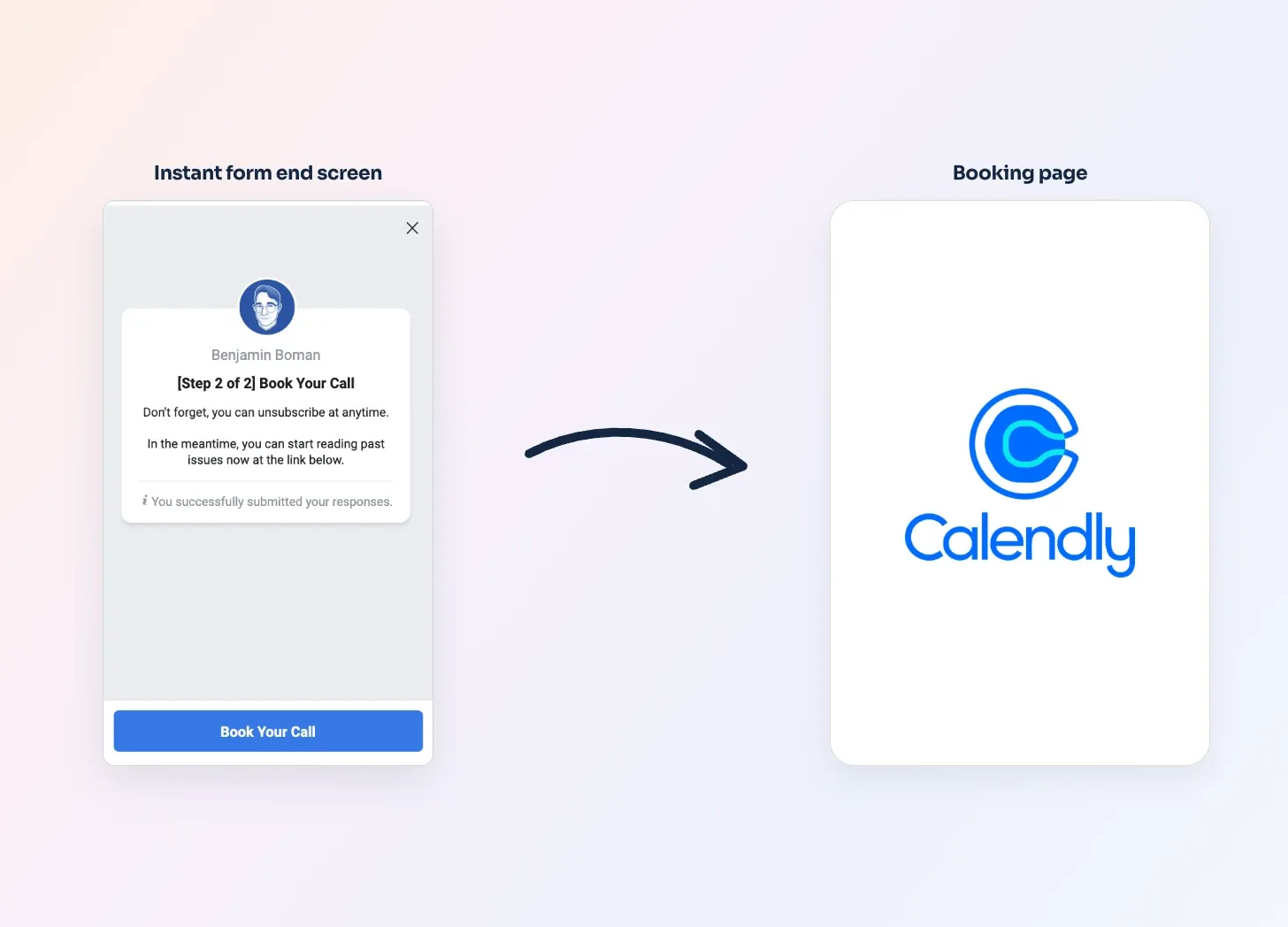
Instead, try using a Facebook lead form and direct people to book upon completion:
- It’s cheaper to get momentum
- Faster to get momentum, because conversions are ON Facebook itself
- Simple to set up
- Expect 10%~ to self-book
But, quality can vary.
How to set up an Instant form for bookings
-
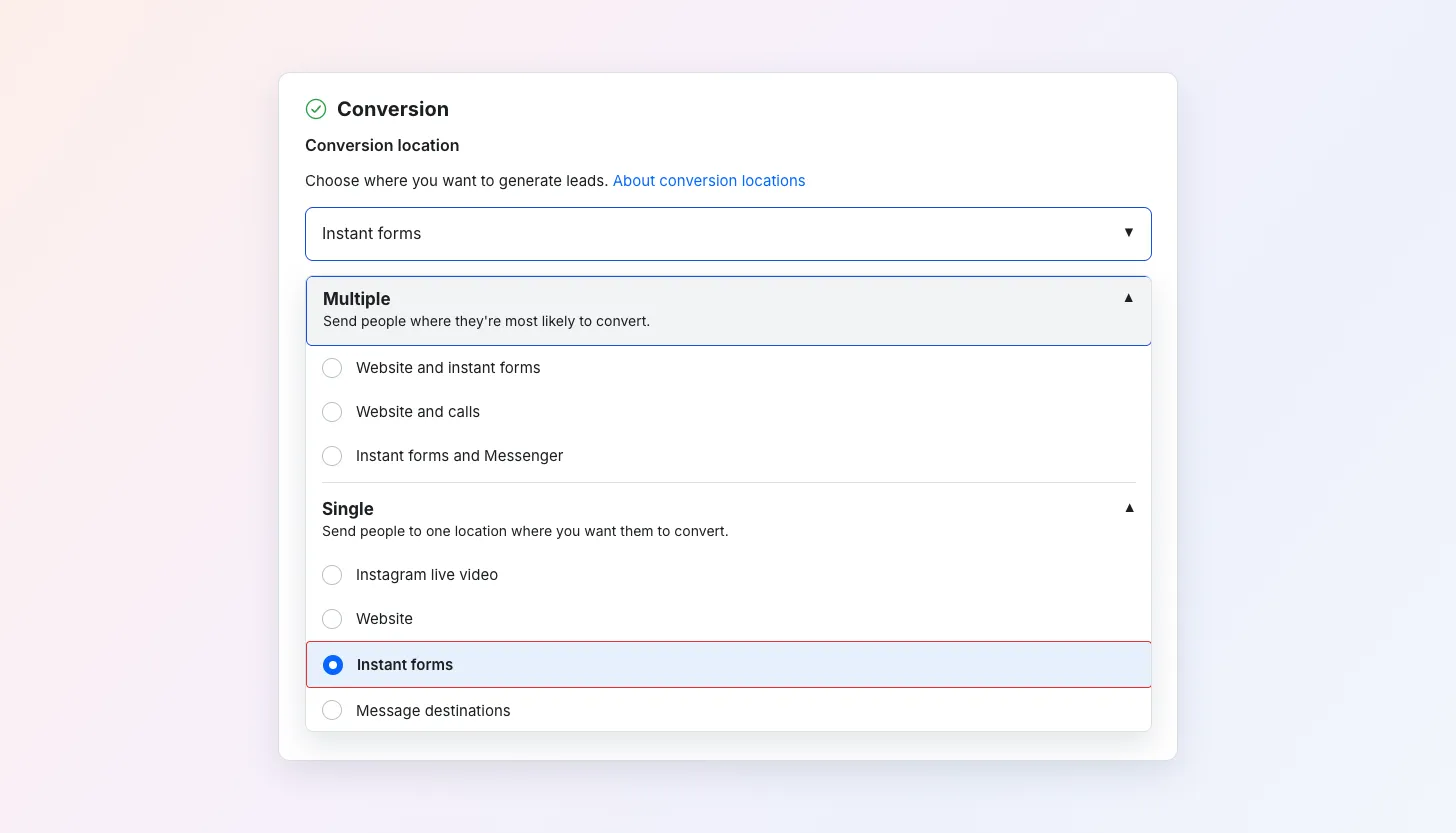
Set up a campaign and on the adset level choose Instant Forms as the Conversion location.
-
On the ad level, click Create a new form:
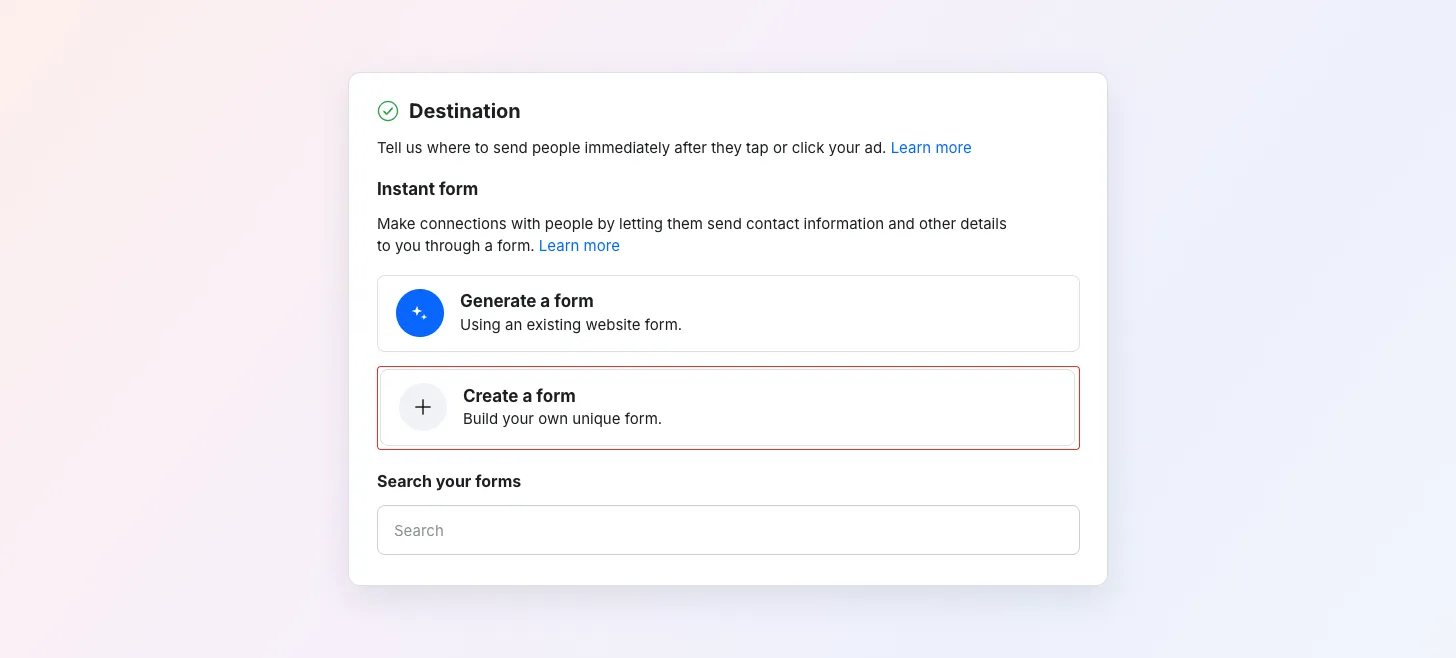
- Add whatever questions you want to the form, typically name, email and phone number.
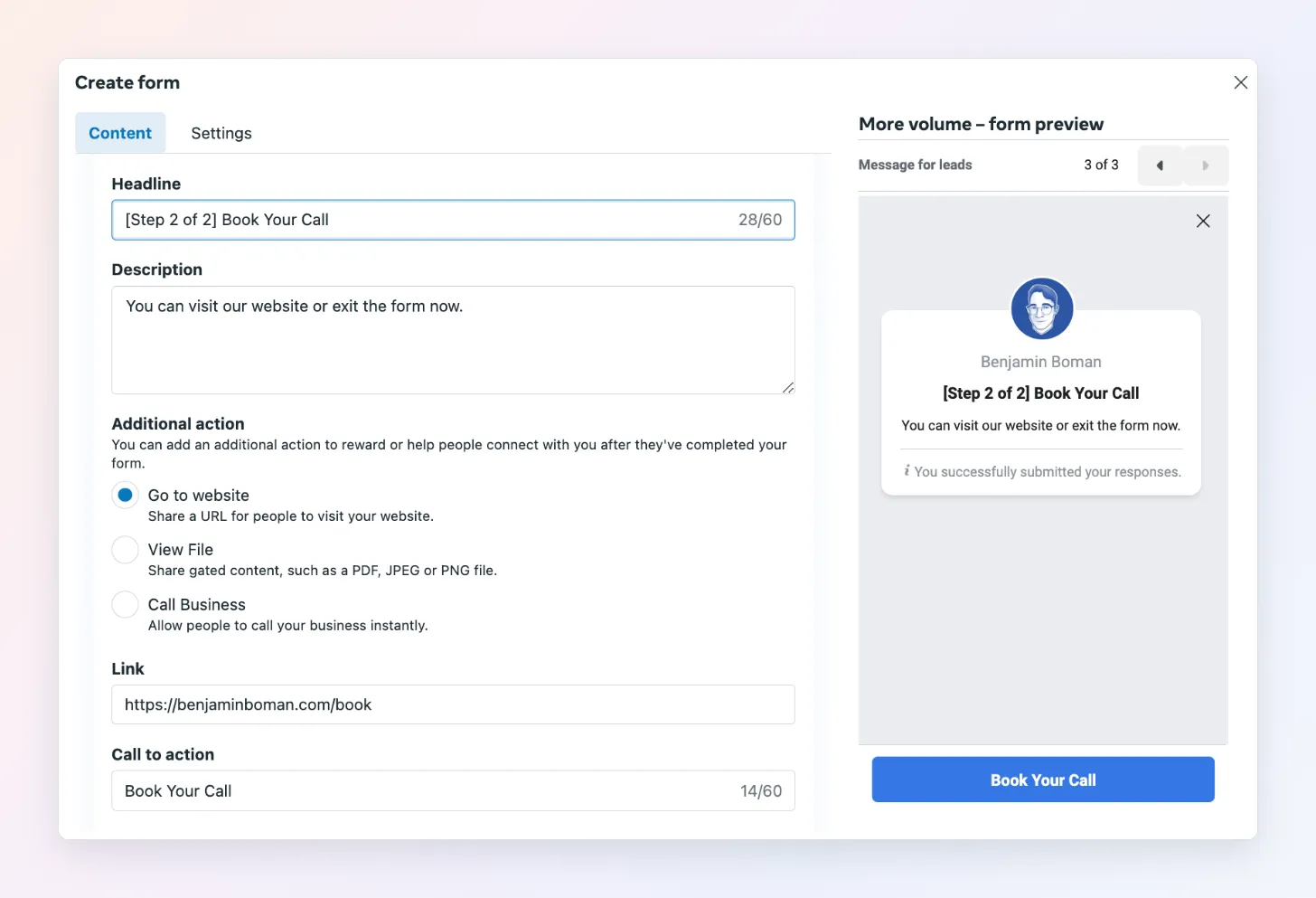
- On the Message for leads settings page, change the Headline to something like “Step 2 of 2: Book your call” to notify people they need to book
-
Put the link to your booking landing page or calendar in the Link section and rename the Call to action like “Book your call”
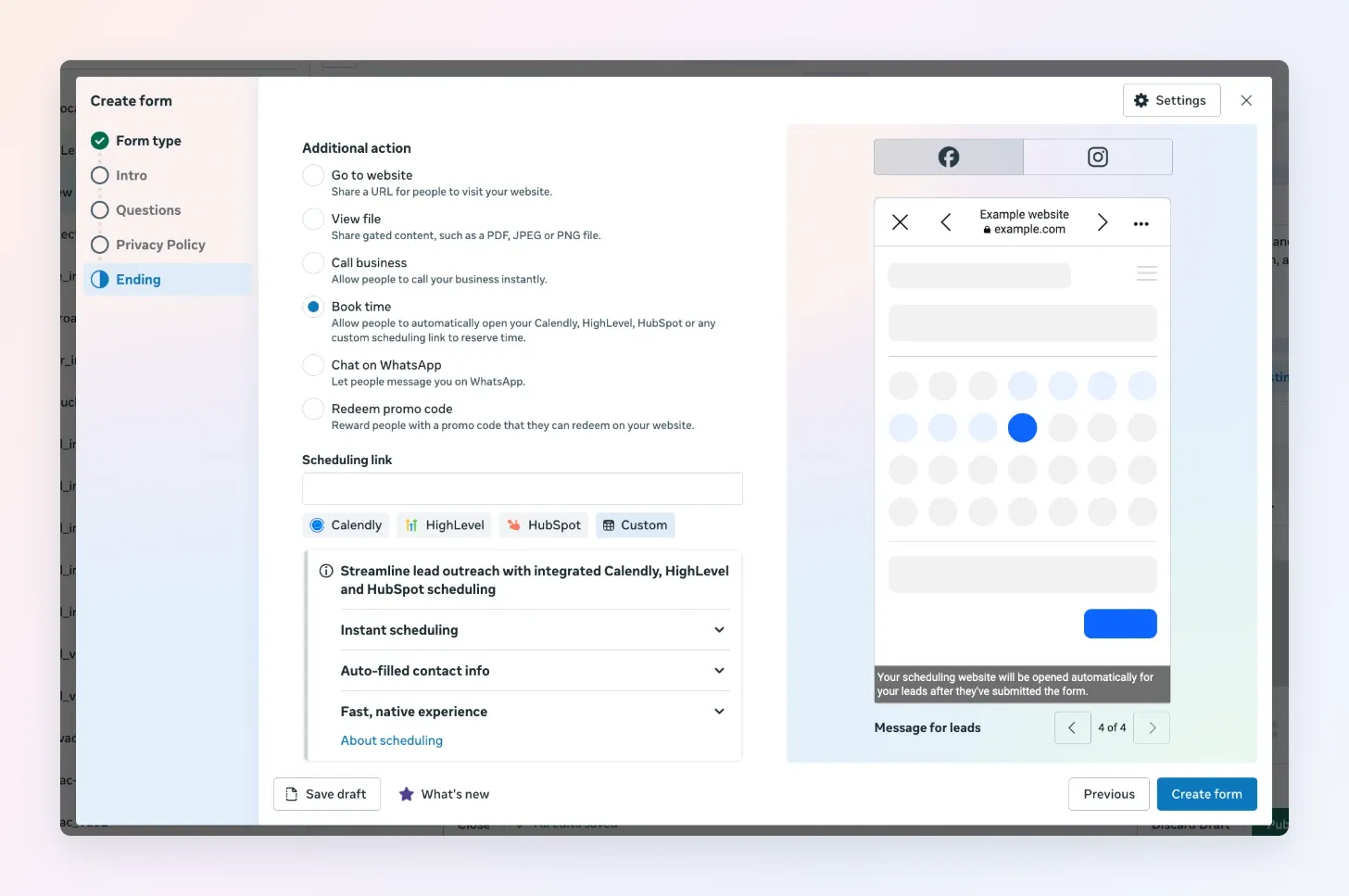
Meta has also added a dedicated Book time action on the form’s Ending step, which takes a Calendly, HighLevel or HubSpot link directly:
- Save your form.
How to improve booked lead quality
And better yet, you can still optimize the ads for better quality.
Because anyone who completes the Facebook form will go to the leads center.
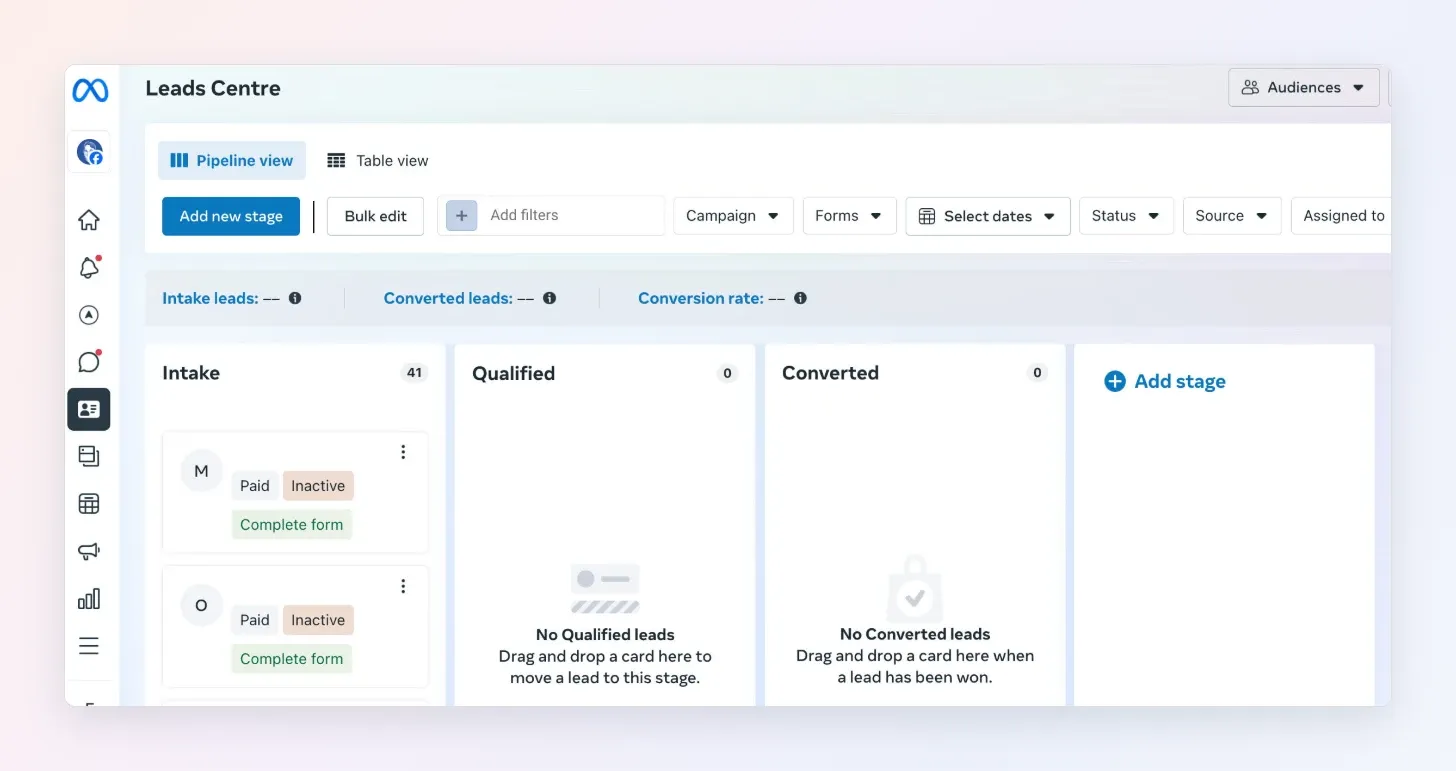
Example of what the Leads Center looks like.
And in the leads center, you can click each lead who has completed the form. Which looks like this:
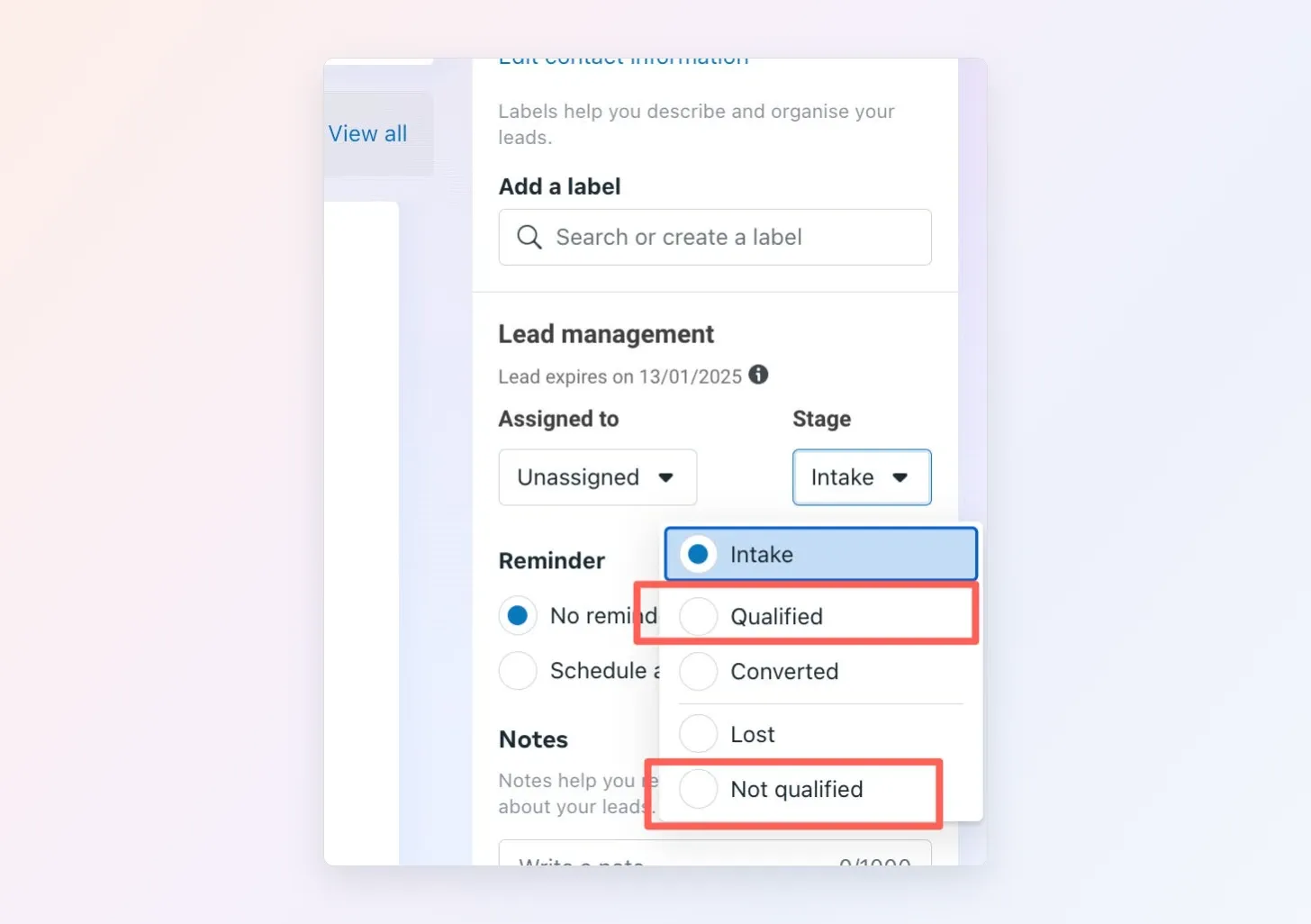
And mark all those who booked as Qualified, and those who were bad bookings as Not qualified.
Telling Facebook which leads to optimize for.